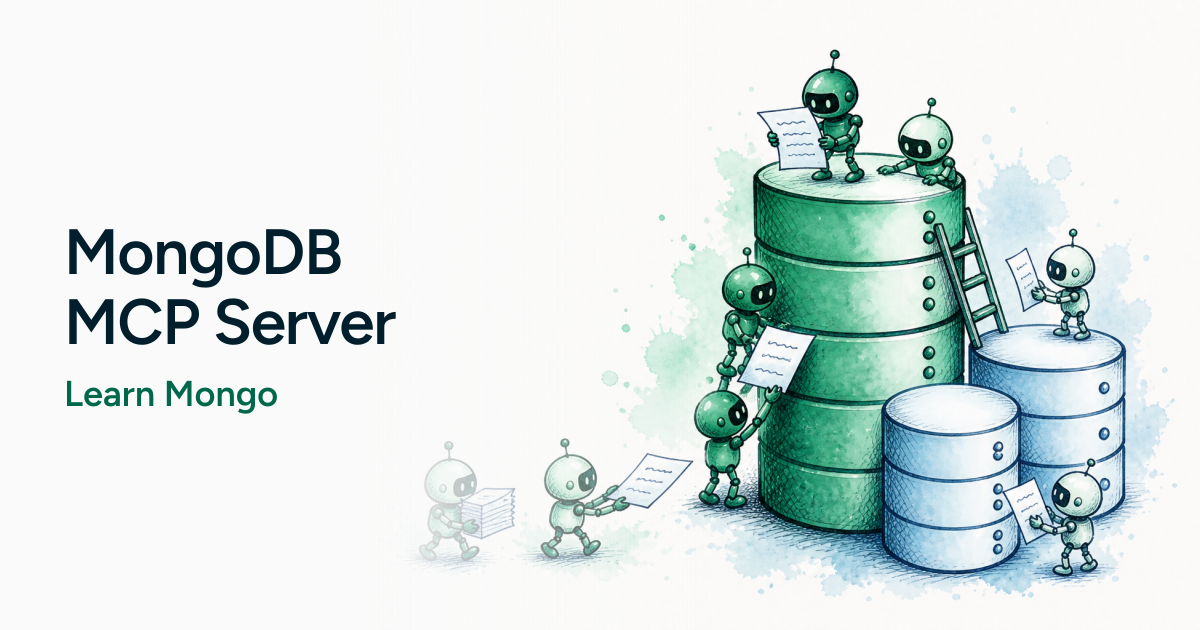
We've been able to ask an AI assistant how to query MongoDB for a while now. That's useful, right up until the answer is a perfectly reasonable query against a collection you don't have, with fields that don't exist.
There's a difference between:
How would I query a MongoDB collection for X?
and:
Look at this collection and help me query it for X.
The second one needs context. That's what the MongoDB MCP Server is for.
I'm not going to explain all of MCP here. The short version: Model Context Protocol is a standard way for an AI assistant to talk to tools and other systems. The MongoDB MCP Server is that connection for MongoDB. Once it's wired up, the assistant can inspect collections, run queries, look at indexes, and otherwise work against the database you're actually using.
The rest of this post is what that looks like in practice, using the same kind of recipe collection I've used in other articles.
Getting connected
MongoDB's docs cover the full setup for Cursor, Claude, Codex, and the rest, including a hosted Atlas option. Start here: Get Started with the MongoDB MCP Server
For a local, self-managed server the short path is:
npx mongodb-mcp-server@latest setupIt will ask for a connection string and whether you want read-only mode. Say yes to read-only unless you actually need the assistant writing to the database. Connecting an LLM to a cluster with write access is a great way to find out how confident it can be while being wrong.
Restart the assistant, then ask something boring on purpose:
What MongoDB tools do you have, and can you see my databases?
If it can list databases, you're in. If it starts inventing a users collection, you're not.
Exploring the database
This is the simplest demo of why MCP is useful, and it might be the one I reach for most.
Instead of pasting a sample document into the prompt, just ask:
What collections are in this database?
Take a look at the recipes collection. What does the document structure look like?What fields are available?
On a cookbook database you should hear about title, type, tags, ingredients, prep_time, cook_time, that sort of thing. Maybe it notices rating is an array and rating_avg is a number sitting next to it. That's a modeling choice, not a schema the assistant made up.
The query the assistant is effectively running is the same one you'd run in mongosh:
db.recipes.findOne()Or, if you want a feel for shape across more than one document:
db.recipes.aggregate([
  { $sample: { size: 5 } },
  { $project: { title: 1, type: 1, tags: 1, ingredients: 1, prep_time: 1, cook_time: 1 } },
])
You're not copying example JSON around anymore. The assistant is looking at the collection.
Working with queries
Once it has seen the documents, you can stop talking in hypotheticals.
Find me breakfast recipes I can cook in 30 minutes or less.
That's a $match on type plus a little math on the time fields. In mongosh it looks like this:
db.recipes.find(
  {
    type: "Breakfast",
    $expr: { $lte: [{ $add: ["$prep_time", "$cook_time"] }, 30] },
  },
  { title: 1, prep_time: 1, cook_time: 1 },
)
Then push it:
Sort those by rating_avg, highest first.Group the whole collection by meal type and count how many recipes sit in each one.
That last one is the same $group from the aggregation series:
db.recipes.aggregate([
  { $group: { _id: "$type", count: { $sum: 1 } } },
  { $sort: { count: -1 } },
])Ask it to show the query, not just the answer. If it can't produce something you'd be willing to run in mongosh, treat the result as a rumor.
You can also hand it a query that's a bit ugly and ask it to tighten it up. That's a good test. Sometimes it adds an index hint you don't need. Sometimes it rewrites a perfectly fine find into a three-stage aggregation. The point of MCP is context. It is not a substitute for reading the pipeline.
Understanding the data
This is the part that surprised me more than "write me a query."
When you drop into an unfamiliar project, you usually spend the first hour poking around with findOne, distinct, and a couple of aggregations. You can have the assistant do that first pass:
What values typically appear in the type field?Are there recipes where cook_time is missing?Do these documents all follow the same basic structure?
How dorecipesand (if you have one) aratingsoruserscollection appear to relate to each other?
db.recipes.distinct("type")db.recipes.countDocuments({ cook_time: { $exists: false } })db.recipes.aggregate([
{ $unwind: "$tags" },
{ $group: { _id: "$tags", count: { $sum: 1 } } },
{ $sort: { count: -1 } },
{ $limit: 10 },
])That's reconnaissance. Useful on a dataset you didn't design. Also useful on a dataset you did design, six months later, when you no longer remember whether type is "Breakfast" or "breakfast".
Learning MongoDB with your own data
Generic $group examples are fine. They are also easy to forget, because they aren't about anything you care about.
This is a better question:
Show me how$groupcould be useful with thisrecipescollection.
Or:
Explain this aggregation using examples from the documents in this database.
The operator doesn't change. The example does. "Count recipes by meal type" sticks a lot harder than "count documents by category" when you already know what a dinner recipe looks like in this collection.
That's also why I keep coming back to recipes (and World Cup matches) in these articles. A made-up products catalog is fine for a getting-started doc. Your own data is better for actually learning.
Indexes and performance
The MongoDB MCP Server can look at indexes and, depending on the deployment, query shapes and performance hints. That's handy. It is also where you should slow down.
What indexes exist on recipes?Would a find for { type: "Dinner", cook_time: { $lte: 30 } } benefit from another index?What does the explain plan tell us?
db.recipes.getIndexes()db.recipes.find({ type: "Dinner", cook_time: { $lte: 30 } }).explain("executionStats")A compound index on { type: 1, cook_time: 1 } might help that query. It also costs you on every write, and it does nothing for a query that only filters on tags. Don't let the assistant sprinkle indexes around like seasoning.
Read the explain output. COLLSCAN vs IXSCAN still means what it meant last year.
What MCP doesn't change
Connecting an assistant to MongoDB does not mean you can stop understanding MongoDB.
You still have to think about:
- data modeling (embed vs reference, that 16MB document limit, arrays that grow forever)
- whether the query is actually correct
- indexes, and the ones you shouldn't add
- performance
- permissions and security (read-only is a feature)
- whether the suggestion makes sense for this collection
MCP gives the assistant better context and a set of tools. It does not make every answer correct. Same rule I use when an LLM writes application code: it's a tool in the workflow, not the workflow itself.
If you wouldn't paste the query into production after a quick glance in mongosh, don't let the assistant paste it either.
Wrap-up
The interesting part of the MongoDB MCP Server isn't that we can write MongoDB queries in English. We've been able to do that.
The difference is context. The assistant can work with the database you're actually using: explore collections, inspect documents, look at indexes, and help you reason about queries without you first dumping a pile of JSON into the prompt.
That's a better starting point for learning, for joining an unfamiliar project, and for the kind of "wait, what does this field even look like?" questions that used to mean opening Compass.
It still isn't a replacement for knowing what $group does.